
Inviting users, permissions, two factor authentication and selling countries.
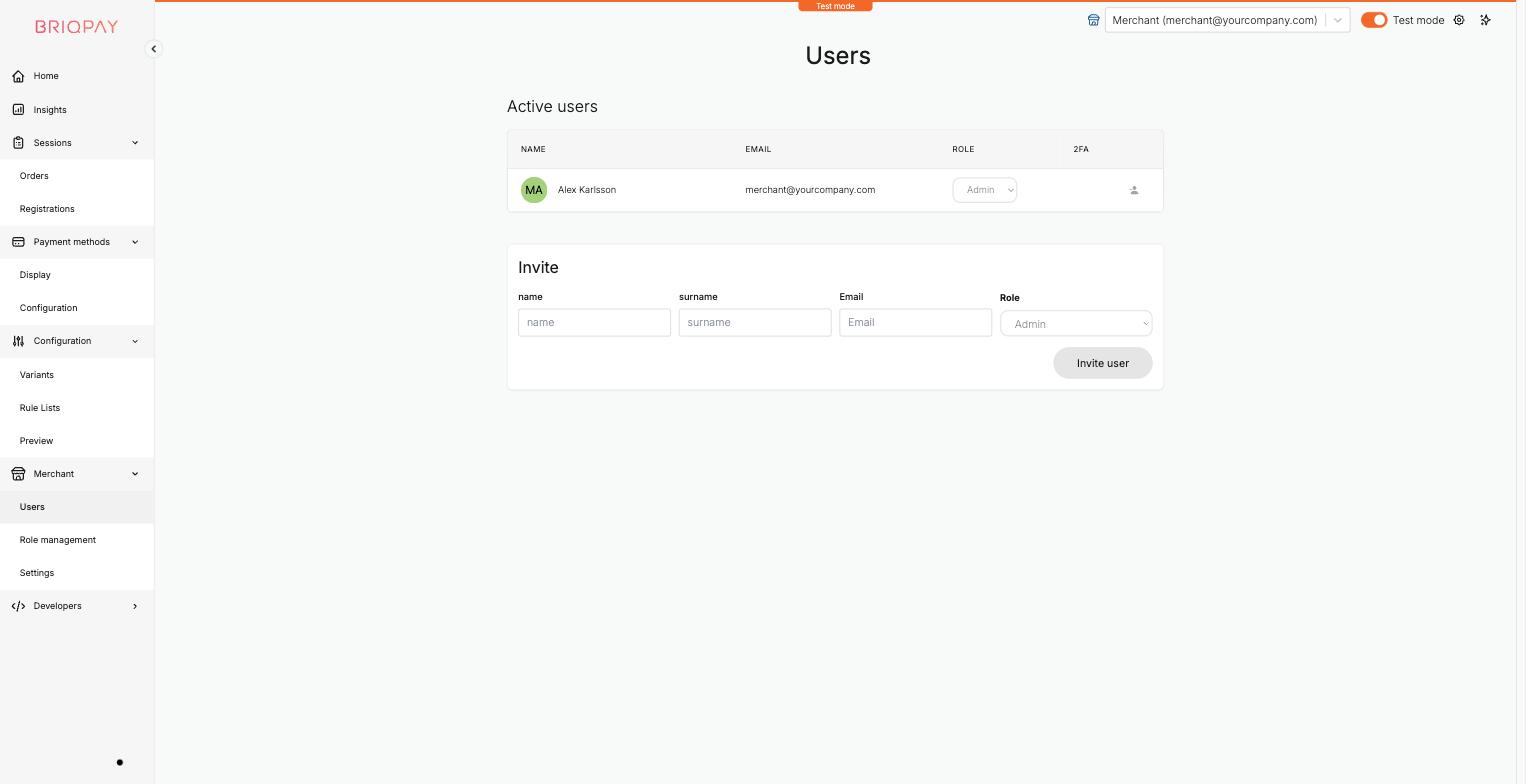
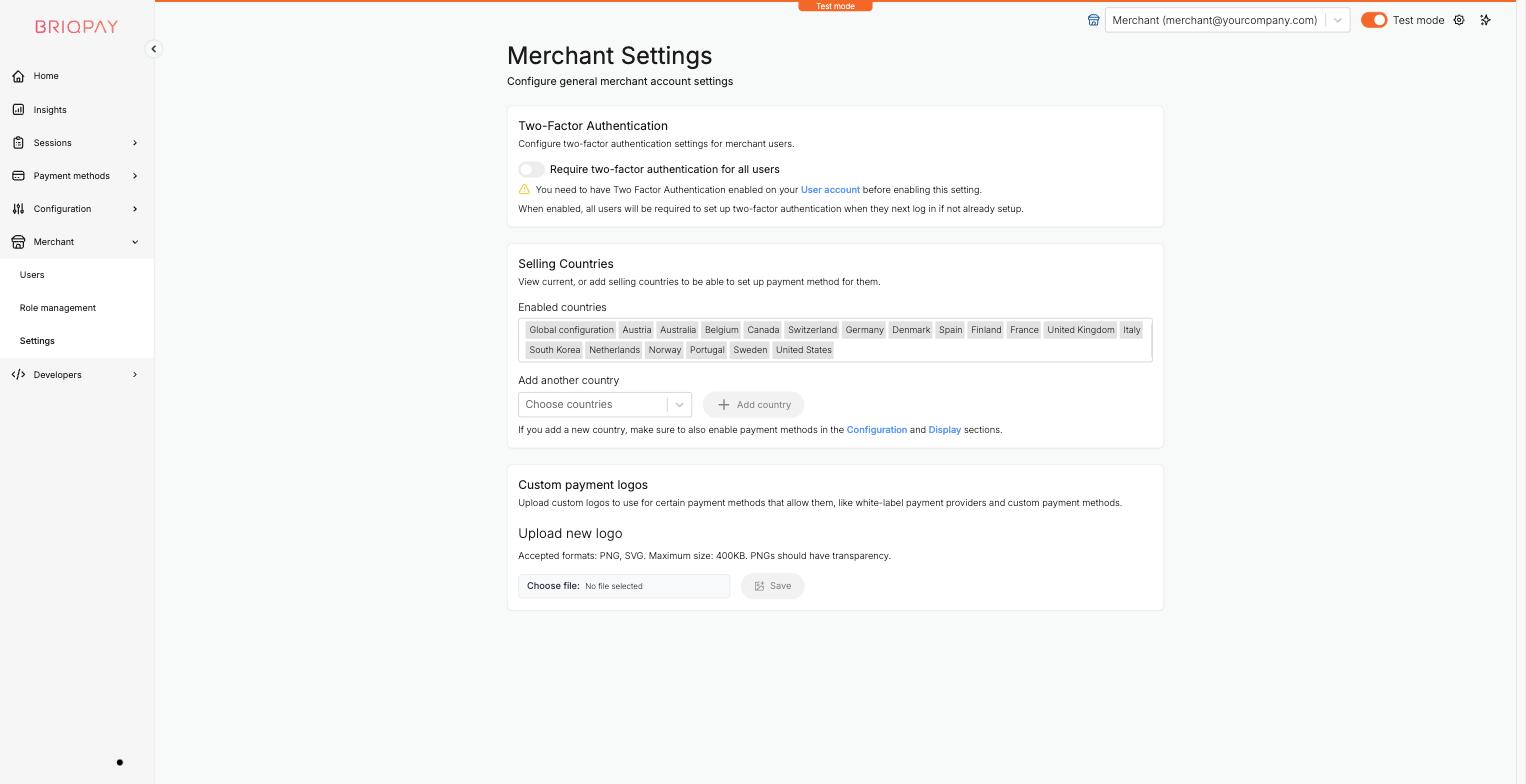
The Merchant section of the portal is where you manage who has access to your account, what they are allowed to do, and account wide settings such as security requirements, selling countries and custom payment logos.
Go to Merchant > Settings to configure account wide options:
Click the gear icon in the top right of the portal to reach User settings, where each user manages their own:
Connect any payment provider. Optimize your payment flow. Scale without limitations - with Briqpay’s Payment Integration Platform.
