
Logging in, navigation, test mode vs. live mode, and switching accounts.
The Merchant Portal is where you manage everything related to your Briqpay integration: which payment methods your customers see, how your checkout looks and behaves, your orders, your team, and your API credentials. This guide walks you through the layout of the portal and the concepts you need to understand before configuring anything.
If you do not yet have a user account, ask an existing Admin on your merchant account to invite you (see the "Team, roles and account settings" guide), or contact Briqpay if you are setting up a brand new merchant account.
The left hand menu is where you access every part of the portal. The menu is organized into the following sections:
Click the arrow icon at the top of the menu to collapse it into icon-only mode if you want more screen space.
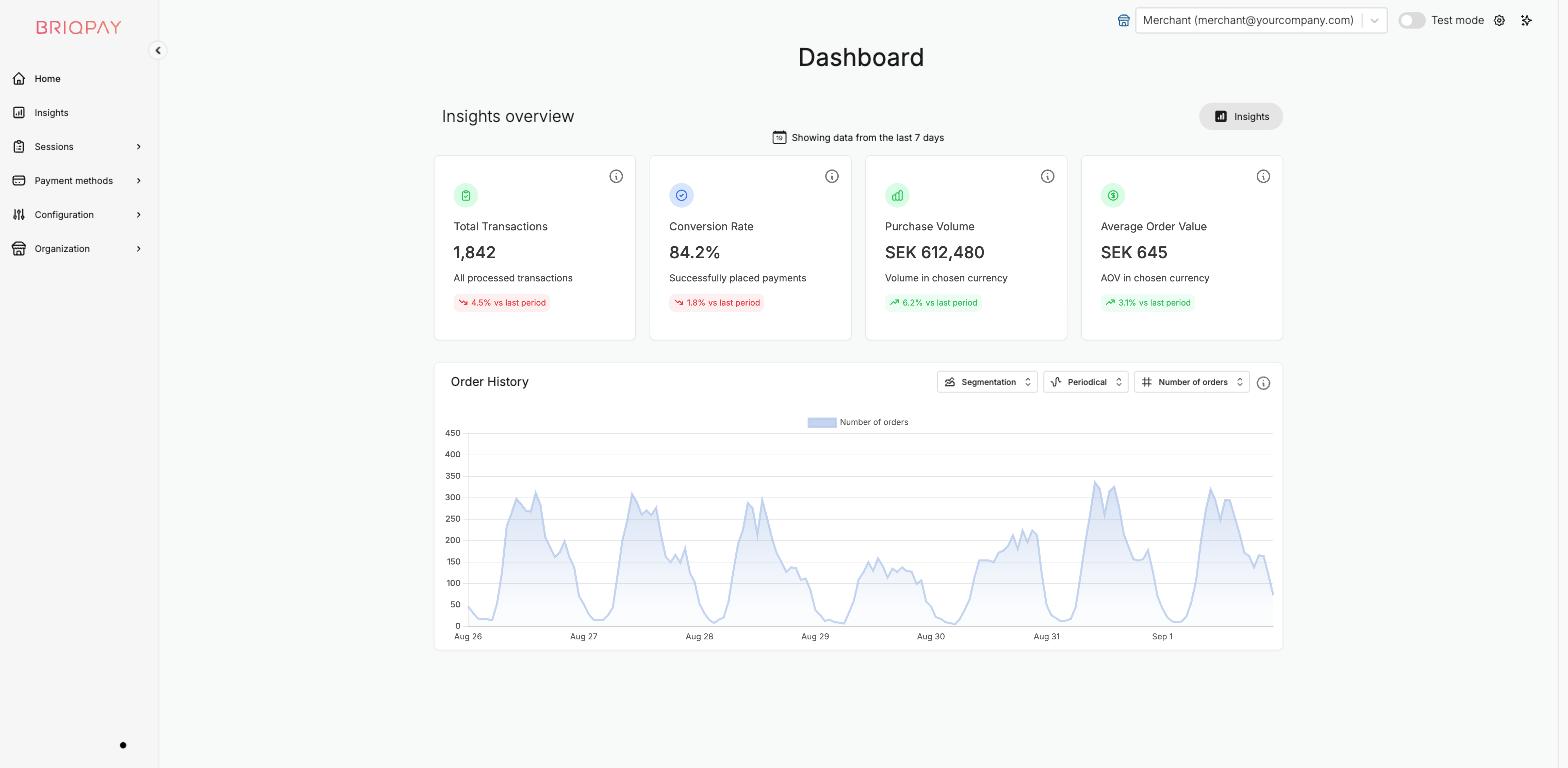
At the top right of the portal you will find a Test mode toggle.
Use test mode to configure and try out payment methods, checkout designs and rules before you switch them on for real customers. Because payment method configuration, display rules and checkout themes can all be set up independently in test mode, you can safely experiment there without affecting your live checkout.
Tip: build and verify your setup in test mode first, then repeat the equivalent configuration (or use "copy settings" where available) once you are ready to go live.
If your user has access to more than one merchant account (for example separate accounts per brand or region), use the merchant selector in the top bar, next to the Test mode toggle, to switch between them. Every section of the portal (payment methods, configuration, orders, users, API keys) is specific to the merchant account you currently have selected.
Click the gear icon in the top right corner to open User settings, where you can:
We strongly recommend enabling 2FA on every user, and your account Admin can additionally require 2FA for all users on the merchant account from Merchant > Settings.
Connect any payment provider. Optimize your payment flow. Scale without limitations - with Briqpay’s Payment Integration Platform.
