
Variants, theming, module behavior, rule lists and previewing.
The Configuration section of the Merchant Portal is where you control how your checkout and signup pages look, how their modules behave, your business rule lists, and where you can preview the result before it goes live.
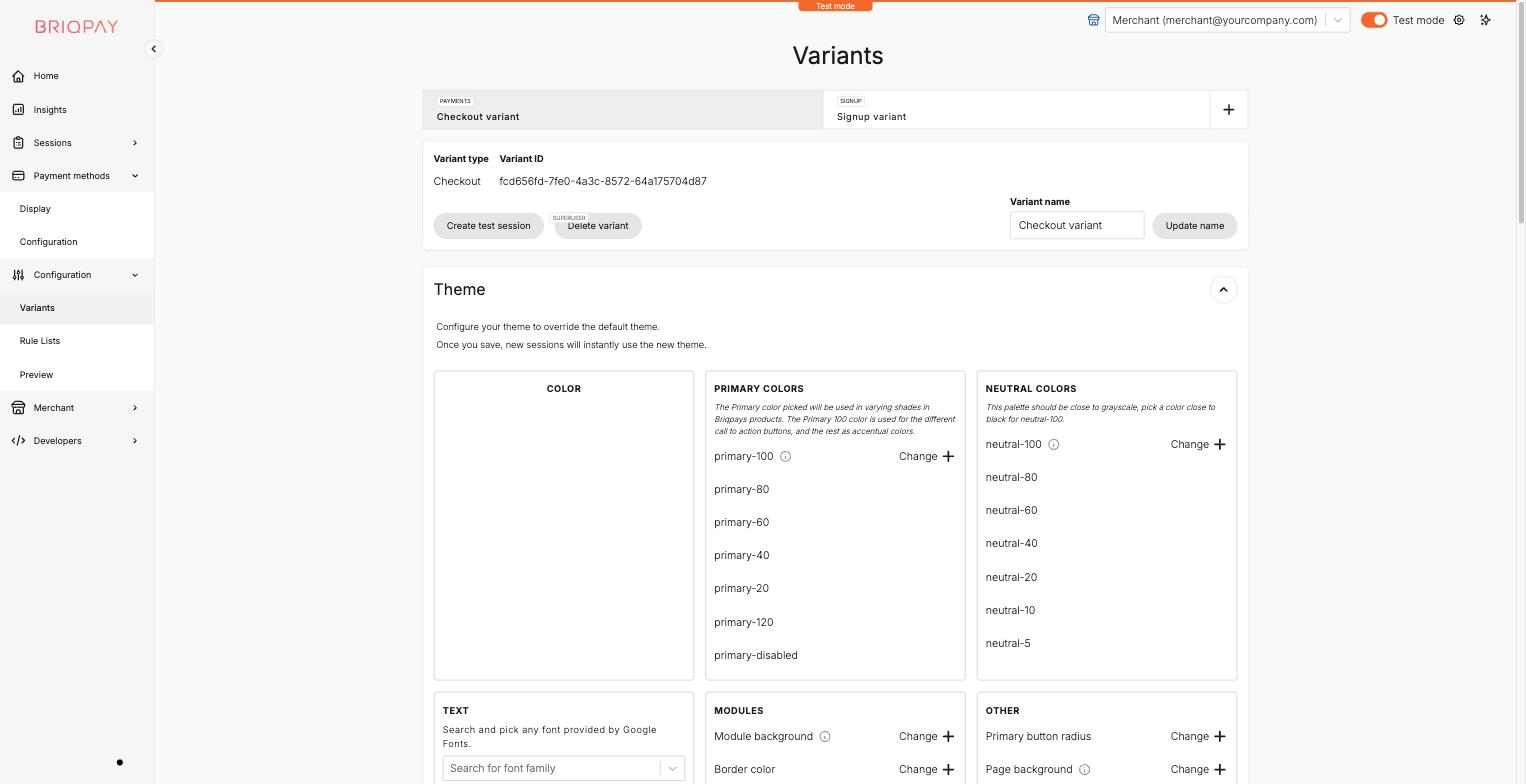
A variant is a saved configuration of a Briqpay product, either a Checkout (payment) variant or a Signup variant. You can create additional variants if you want to try out different designs or payment mixes, for example to A/B test a change.
The Theme panel lets you override Briqpay's default visual design so the checkout matches your brand:
Changes are applied to new sessions as soon as you save, so review them with Configuration > Preview before relying on them for real customers.
Configuration > Rule Lists lets you maintain lists of values, for example company registration numbers, that should always be allowed or always be rejected for a particular payment method or rule.
A rule list only takes effect once it is connected to a rule inside Briqpay's rule engine. Since this step currently requires Briqpay's assistance, contact your Briqpay contact once your list is ready so it can be wired up to the relevant payment method or business rule.
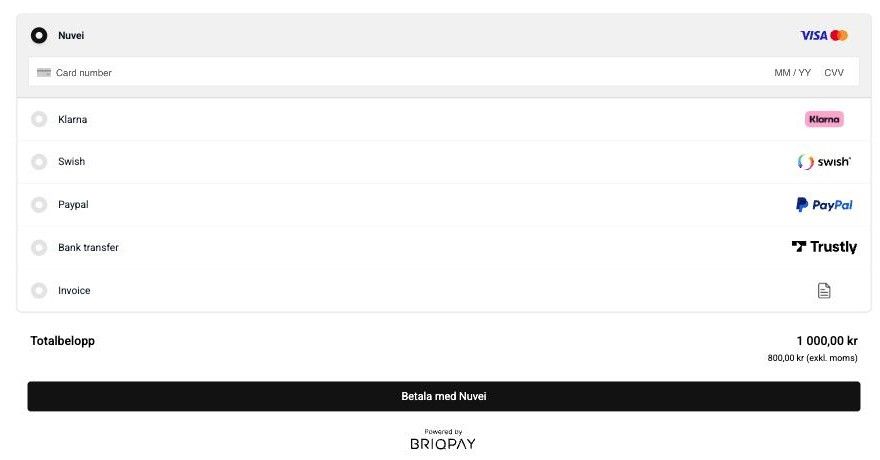
Use Configuration > Preview to generate a real Briqpay session with your current configuration and see exactly what your customers will see, without needing to embed anything on your own site first.
Use Preview every time you make a meaningful change to your theme, module configuration, or payment method display settings, so you can catch issues before customers do.
Connect any payment provider. Optimize your payment flow. Scale without limitations - with Briqpay’s Payment Integration Platform.
