

Hyvä Checkout is one of the fastest checkouts you can put on Magento 2, but every payment method in it needs its own compatibility module, and if your PSP hasn't built one, you wait. Briqpay removes that dependency: install one Hyvä Checkout module and connect any payment service provider you like, from cards and wallets to BNPL, invoice and B2B terms.
On top of that you get a payment orchestration layer. Rules decide which methods appear, and in what order, per market, cart value and customer type, so you can optimize conversion and cost from the Briqpay portal instead of a Magento release.
Hyvä (also written Hyva) has become the default frontend choice for serious Magento merchants, with 6,500+ live stores reported by Hyvä, and Hyvä Checkout is the reason many of them convert better, loading up to 13x faster than native Magento 2 checkout.
Payments are the part that hasn't kept up. Hyvä Checkout renders payment methods through its own component and evaluation API, so each provider needs a dedicated compatibility module before it can appear in the payment step. That leaves merchants with four recurring problems:
Your PSP decides your roadmap. If your provider hasn't shipped a Hyvä Checkout module, that method can't go live in your checkout.
Every new market is a new integration. Adding a local wallet or invoice method means another module, another contract, another release cycle.
B2B and B2C pull in different directions. Invoice, fixed terms and company lookups don't behave like a card payment, but they share the same checkout.
Optimizing costs development time. Testing which methods to show, or moving volume between providers to cut fees, shouldn't require a deployment.
Briqpay solves this.
One Hyvä Checkout module gives you a payment layer you control. Add, remove, reorder and route payment providers from the Briqpay portal, while your Hyvä theme, your Core Web Vitals and your release schedule stay untouched.
Connecting a provider is the easy part. The value sits in what you do afterwards:
Localize. Show iDEAL in the Netherlands, Swish in Sweden, MobilePay in Denmark and cards everywhere, driven by rules rather than store views.
Optimize cost. Route volume between acquirers and providers, and negotiate from a position where switching is a configuration change.
Optimize conversion. Reorder, hide and test payment methods per segment, and drop the ones that don't earn their place in the checkout.
Add resilience. When a provider has an incident, traffic follows your fallback rules instead of your customers abandoning.
Serve B2B properly. Invoice, fixed payment terms, purchase orders and company lookup run in parallel with consumer methods in the same Hyvä Checkout.
The extension is a native Hyvä Checkout module, published openly on GitHub:
Magento 2.4.8, both Magento Open Source and Adobe Commerce
Hyvä Checkout 1.3.8 or newer
PHP 8.3 or higher
Dependencies briqpay/module-payments and hyva-themes/magento2-compat-module-fallback
Install it with composer require briqpay/module-payments-hyva-checkout, then enable it using bin/magento module:enable Briqpay_PaymentsHyvaCheckout. It reuses the configuration from the base Briqpay module, so there is no second set of settings to maintain.
Two Hyvä-specific extras are included: a payment overlay that shows a loading state while a payment is processed, and a briqpayDecision browser event that lets your own code run validation before an order is finalized.
View the extension on GitHub or browse Hyvä's own list of payment integrations to see which providers ship their own module.
Still on the standard Magento checkout, or running Adobe Commerce? The same Briqpay payment layer sits behind our Magento 2 plugin and our Adobe Commerce plugin, and every method in our payment method library is available through it.
Cards, wallets, BNPL, invoice and B2B terms from any provider, rendered natively in the Hyvä Checkout payment step. If your PSP has no Hyvä module, you no longer wait for one.
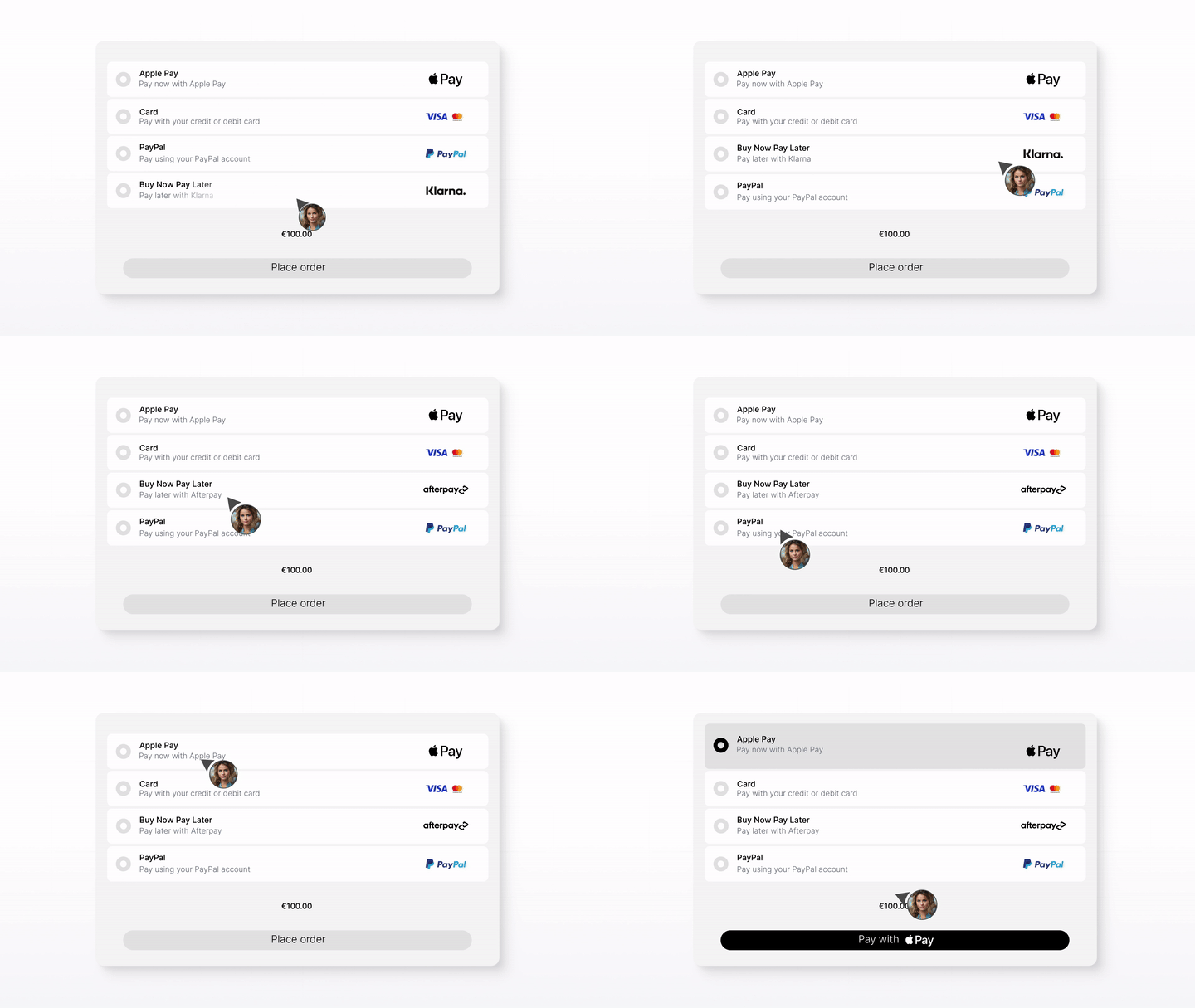
Rules decide which methods show, and in what order, based on market, currency, cart value, category or customer type. Change them in the portal, not in a release.
Route volume between providers, test your method mix per segment, and cut what does not convert. One integration, real negotiating leverage.
Invoice, fixed payment terms, purchase orders and company lookup run alongside consumer cards and wallets in the same Hyvä Checkout.
A native module using Hyvä Checkout's own component and evaluation API, plus a payment overlay and a briqpayDecision hook for your own logic. Your theme and page speed stay intact.
You sign directly with the PSPs you choose. Briqpay is the orchestration layer, so adding or switching a provider is never a new checkout integration.
STEP 01
Run composer require briqpay/module-payments-hyva-checkout, then enable Briqpay_PaymentsHyvaCheckout. Works on Magento 2.4.8 with Hyvä Checkout 1.3.8 or newer and PHP 8.3 or higher.
STEP 02
Add the PSPs and payment methods you want. Keep the ones you already have, and add the ones your markets need.
STEP 03
Set rules per market, currency, cart value, customer type or B2B and B2C segment, and order the methods the way you want them shown.
STEP 04
Go live in days, then keep tuning. New providers and new markets become configuration, not another compatibility module.
Whether you’re integrating for the first time or switching providers, Briqpay helps you go live quickly, stay in control, and scale smarter across markets
Install via Composer and be live in your Hyvä Checkout in minutes.
Explore our API, the briqpayDecision event and the payment overlay, and tailor the checkout to your own flows.
Get expert help tailored to your needs, from strategy to technical setup
Contact us at integrations@briqpay.com
Through Briqpay, any of them. Cards, digital wallets, BNPL, direct debit, invoice and B2B payment terms all render in the Hyvä Checkout payment step through a single module. Hyvä maintains its own list of payment integrations built by PSPs and the community, and Briqpay covers both the providers on that list and the ones that are missing from it.
Not with Briqpay. The standard model is one compatibility module per PSP, each maintained by the provider or the community. With Briqpay you install one module and every connected provider is available behind it.
No. The extension renders inside Hyvä Checkout's own payment step using its component and evaluation API, so it does not reintroduce Knockout or jQuery and it does not touch your Hyvä theme. The only added UI is an optional overlay shown while a payment is being processed.
Magento 2.4.8, covering both Magento Open Source and Adobe Commerce, Hyvä Checkout 1.3.8 or newer, and PHP 8.3 or higher. The module depends on briqpay/module-payments and hyva-themes/magento2-compat-module-fallback.
Yes. Invoice, fixed payment terms, purchase orders and company lookup can be shown to business customers while consumer cards and wallets stay available to everyone else, all driven by the same orchestration rules.
You sign directly with your chosen PSPs, while Briqpay provides the integration and orchestration platform. We do not handle funds or financial agreements, so you keep full control by contracting directly with the providers you want to work with.
Connect any payment provider. Optimize your payment flow. Scale without limitations - with Briqpay’s Payment Integration Platform.
