

Adobe Commerce gives you enterprise infrastructure: multi-site, multi-brand, and the headroom to grow. Briqpay adds one integration layer for payments, so every market, every brand, and every payment method you offer runs through the same orchestration instead of a new plugin each time.
Whether you're running a single storefront or several brands side by side, Briqpay lets you localize and control the entire payment experience without a rebuild, with B2B account terms available if and when you need them.
Adobe Commerce merchants scaling across markets and brands tend to hit the same friction: every new PSP or local payment method usually means a development cycle, and multi-site setups mean configuring payment logic more than once. If you also sell to business buyers, extending credit terms is often still a manual step on the side.
Briqpay solves this.
One integration connects any payment provider, orchestrates it across every market and brand from a single setup, and adds B2B account terms as an option, not a rebuild, for the orders where you want to offer them.
Local cards, wallets, BNPL, and other methods, all from providers you already have agreements with.
Configure payment logic once per market or brand, not once per store view.
Rules by market, cart value, or customer type, without a development cycle each time.
Use our pre-built plugin or integrate directly via API. No need to rebuild your frontend.
Identify business buyers and offer invoice or account terms alongside your regular checkout, without building a second flow.
Manual or automated captures, refunds and order management across every provider connected.
STEP 01
Add the Briqpay plugin through your Adobe Commerce admin panel.
STEP 02
Connect the payment providers and methods you want to offer.
STEP 03
Set the rules for each market or brand. If you sell to business buyers too, this is also where you connect your credit policy.
STEP 04
Go live in your first market, then add markets, brands and providers from the same integration.
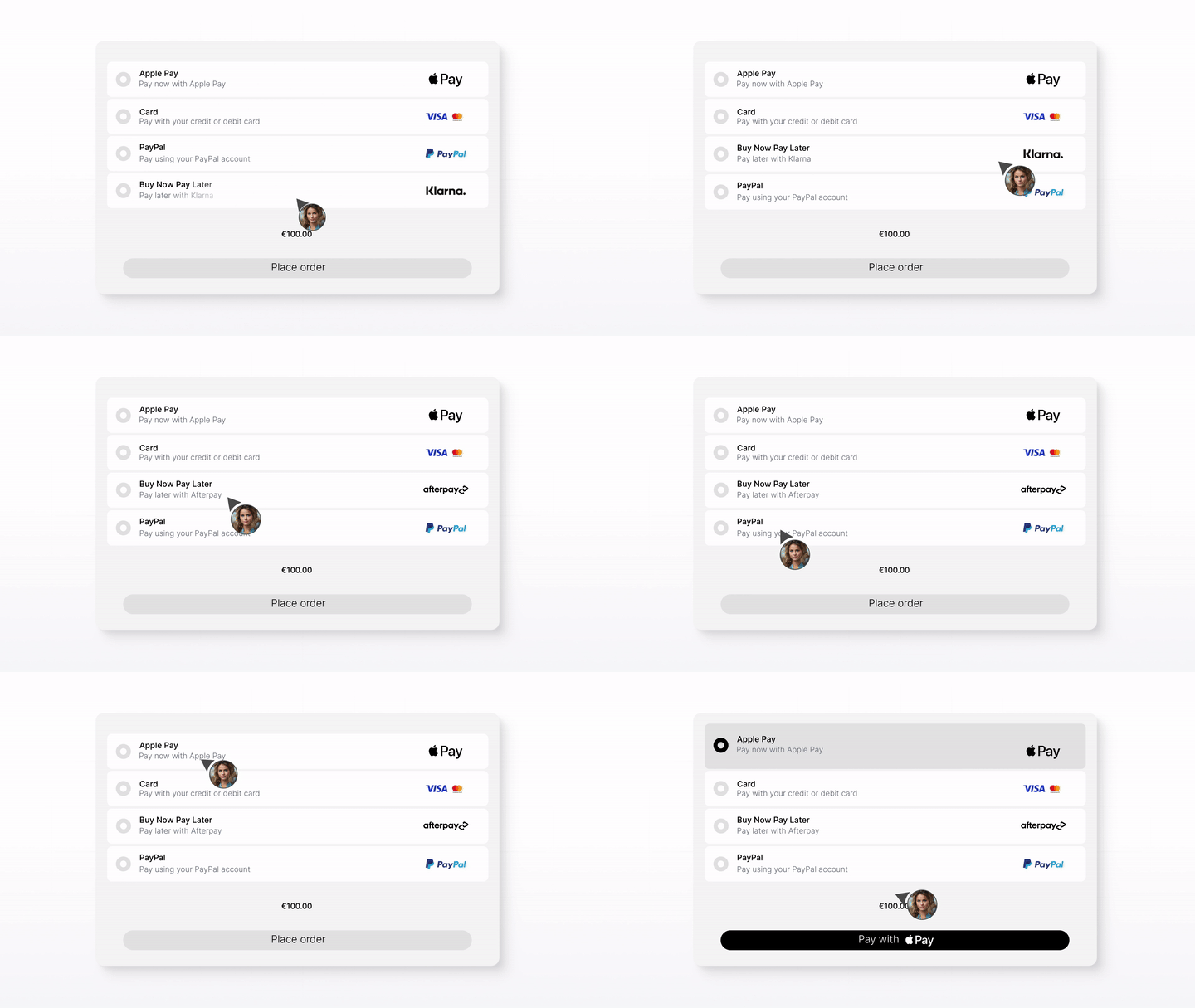
Whether you’re integrating for the first time or switching providers, Briqpay helps you go live quickly, stay in control, and scale smarter across markets
Add Briqpay through your Adobe Commerce admin panel and connect your account.
Explore our API and learn how to customize, optimize, and scale your payment setup.
Get expert help tailored to your setup, your markets and the providers you already work with. Contact us at integrations@briqpay.com.
Adobe Commerce is the licensed, enterprise edition, built on the same core as Magento Open Source but with multi-site, multi-brand and additional B2B tools on top. Running the free, open-source edition instead? See our dedicated Magento page.
Yes, Briqpay is designed to work with any number of PSPs, gateways or APMs. You can also switch or add providers without rebuilding your integration.
You sign directly with your chosen PSPs, while Briqpay provides the integration platform. We don't handle funds or financial agreements; instead, we give you full control and flexibility by letting you contract directly with the payment providers you want to work with.
Yes. Company Accounts handles buyer structure and ordering; Briqpay adds buyer identification, credit decisioning and account terms at checkout for the orders you choose to extend terms to.
Connect any payment provider. Optimize your payment flow. Scale without limitations - with Briqpay’s Payment Integration Platform.
