

Looking for a way to accept payments from both consumers and business buyers on WooCommerce without running two separate systems? Briqpay lets you connect any payment provider, orchestrate flows by market or customer type, and go live without rebuilding your checkout.
WooCommerce runs more online stores than any other platform, and it gets you to market fast. Payments are where that speed usually runs out.
Every provider means another plugin. Every market means another plugin. Every payment method your customers expect means another plugin, another set of credentials, and another thing that can break when WooCommerce or WordPress updates. And the moment you start selling to business customers, the gap shows: most WooCommerce payment plugins were built for consumer checkout, so trade customers who expect to buy on account get pushed into a card form or off into an email thread with your finance team.
Briqpay replaces the stack with one integration. You connect the providers you already have commercial agreements with, you decide which methods appear to which customer in which market, and you run consumer and business checkout side by side without building either one twice.
Most WooCommerce stores start consumer first. The payment setup follows: a card gateway, maybe a wallet, maybe a BNPL plugin once conversion becomes a priority. It works until business customers arrive.
Business buyers do not behave like consumers. They expect to be invoiced. They expect terms. They expect the person placing the order not to be the person paying it. Handled through a standard consumer gateway, that becomes a manual process: an email to finance, a credit check somebody runs by hand, an account created in a spreadsheet, and an order that sits unconfirmed while it happens.
Briqpay handles both flows from the same integration. Consumers get the payment methods that convert in their market. Business buyers get identified at checkout, decisioned against your credit policy, and offered terms on the spot. You keep the receivable and the customer relationship, and neither flow requires you to build the other one twice.
Briqpay is provider agnostic. You keep the commercial agreements you already have and add new providers without another integration project. That covers card acquirers, digital wallets, BNPL providers, account to account and open banking methods, and invoice and account terms for business buyers. Which methods you can offer depends on the providers you connect and the markets you sell in.
The orchestration layer sits between WooCommerce and those providers, so changing a provider, adding a market or testing a new method is a configuration change rather than a development cycle.
Payment preference is local. A method that carries most of your checkout in one market can be irrelevant in the next one, and the cost of getting it wrong is a customer who reaches your checkout and does not see a way to pay that they trust.
Briqpay lets you set payment logic per market rather than per store, so you can run one WooCommerce installation across several countries and still show each customer what they expect. Currency support covers GBP, EUR, SEK, DKK, NOK, USD and other two decimal currencies.
Offer invoice and account terms at checkout, with buyer identification and credit decisioning built in. Your credit policy, your capital, your receivable.
Local cards, wallets, BNPL, invoice and B2B terms. You keep the commercial agreements you already have and add new providers without a new build.
Create logic for how and when each payment method appears. By market, by cart value, by customer type, by device.
Run both flows in parallel from a single integration. Consumers see wallets and BNPL. Business buyers see terms and invoicing.
Install the plugin from the WordPress directory, or integrate via API if you want full control of the frontend. No checkout rebuild required.
Order management, captures and refunds, manual or automated, across every provider you have connected. One place instead of five.
STEP 01
Install Briqpay for WooCommerce from the WordPress plugin directory and connect it to your Briqpay account.
STEP 02
Connect the payment providers and methods you want to offer. Keep your existing agreements or add new ones through Briqpay.
STEP 03
Set the rules that decide what each customer sees. Split by market, currency, cart value or customer type, and separate your B2C and B2B logic.
STEP 04
Go live in your first market, then add markets, methods and providers from the same integration as you grow.
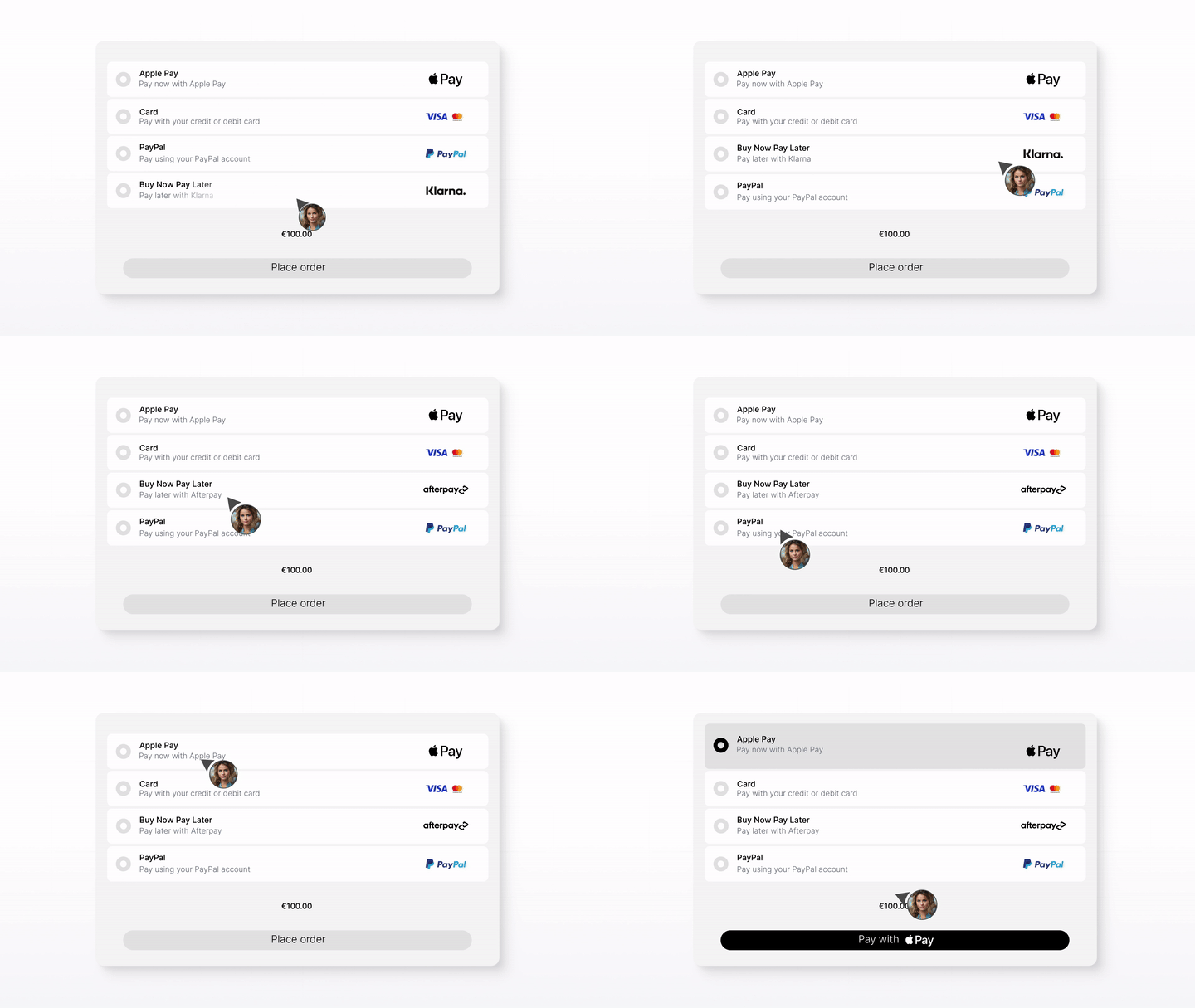
Whether you’re integrating for the first time or switching providers, Briqpay helps you go live quickly, stay in control, and scale smarter across markets
Briqpay for WooCommerce is available free from the WordPress plugin directory. Install it, connect your account, and configure your first payment flow.
Prefer full control of your checkout? Integrate directly against the Briqpay API instead of the plugin and keep the same orchestration behind it.
Get expert help tailored to your setup, your markets and the providers you already work with.
Contact us at integrations@briqpay.com
Briqpay for WooCommerce is maintained against current WordPress and WooCommerce releases and is available from the WordPress plugin directory. Check the plugin listing for the versions the current release has been tested against.
Briqpay for WooCommerce supports GBP, EUR, SEK, DKK, NOK and USD, along with other currencies that use two decimal places. Zero decimal currencies such as JPY and ISK and three decimal currencies such as KWD are not supported yet, and the gateway hides itself rather than process an incorrect amount. Available payment methods depend on the providers you connect and the markets you sell in.
Connect any payment provider. Optimize your payment flow. Scale without limitations - with Briqpay’s Payment Integration Platform.
